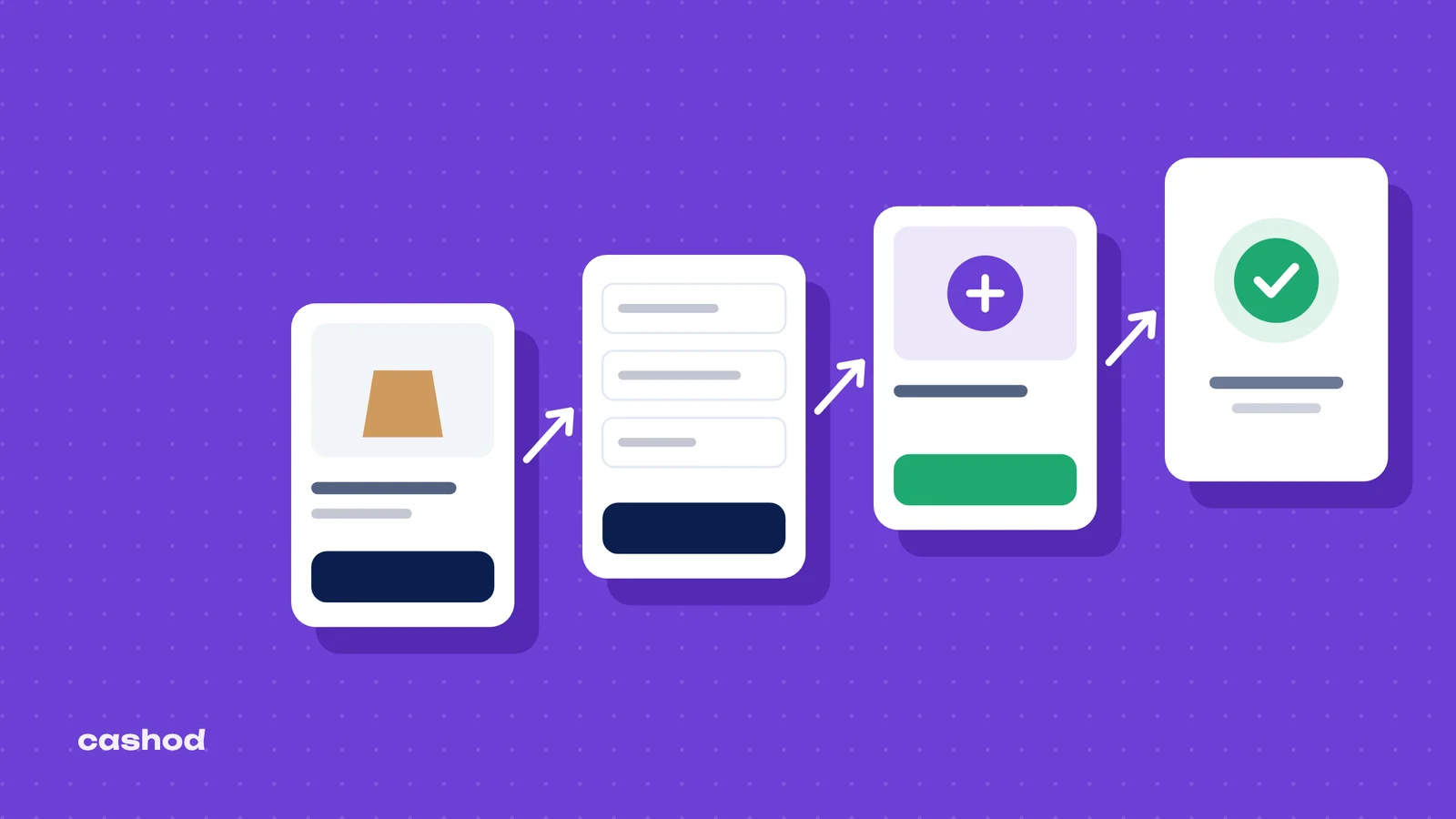
YouCan makes it quick to open a store and switch on cash on delivery. What it does not do for you is the work between the order and the cash: calling the buyer, deciding what ships, handing the parcel to a courier, following it, collecting the money and putting returned items back on the shelf. In Morocco that work is most of the business. An ANRT survey reported by Le Matin found that more than 66% of orders are still paid in cash on delivery, and Hespress notes that cash on delivery remains the majority choice, used by more than eight buyers in ten. This guide follows a YouCan COD order from the payment settings to the moment the money reaches your account, using YouCan’s own help center for each screen, and shows where a simple routine prevents the usual losses.
Before the first order: the COD settings that matter
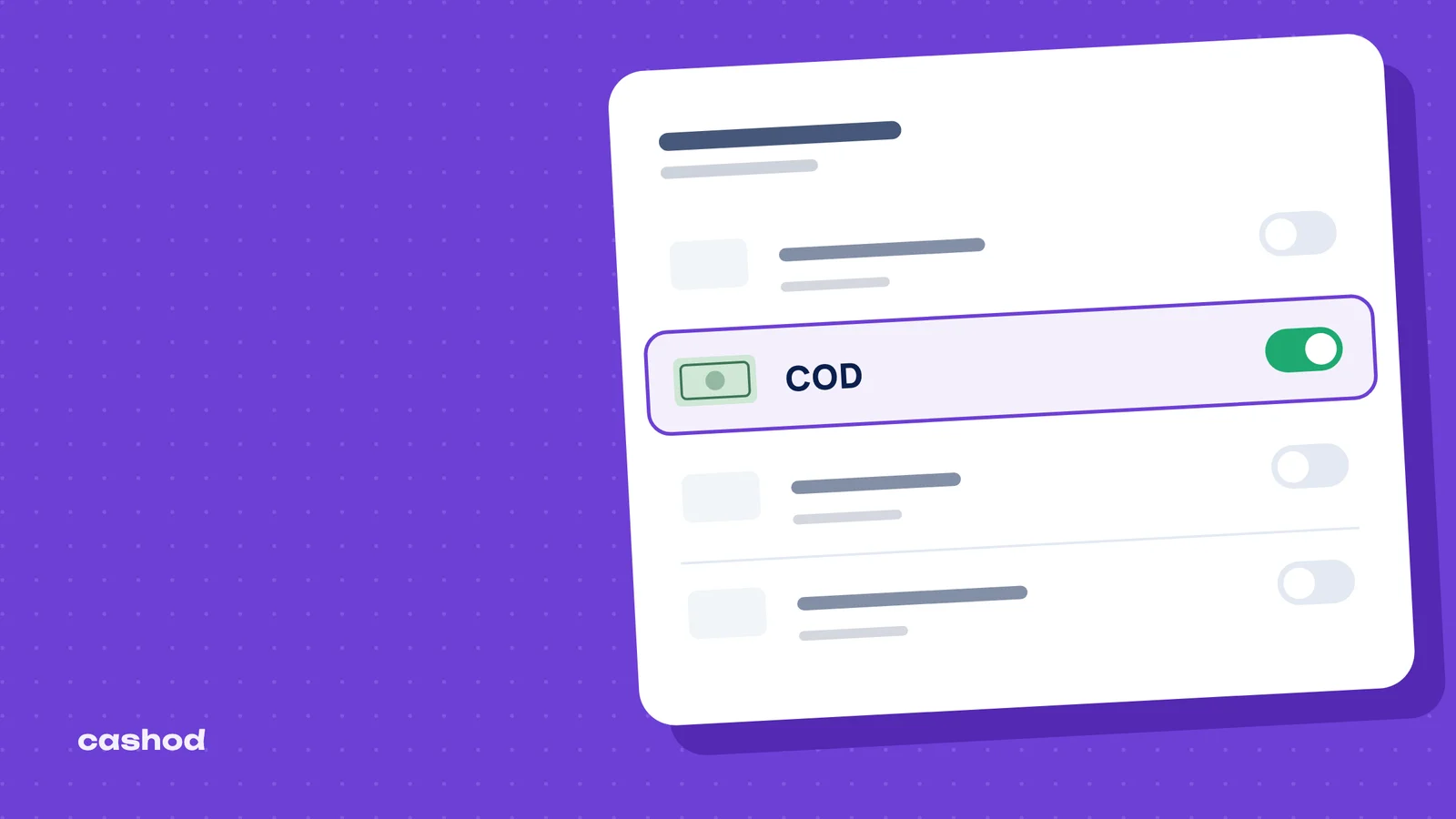
Cash on delivery is switched on from the payment settings. YouCan’s guide to enabling cash on delivery gives the path: open Settings in your seller area, click Payment and enable Cash On Delivery. Its definition is the one your whole process depends on: the buyer pays once they receive the order. Until that moment, nothing has been earned.
Two settings on that same page deserve more than a click. The first is the Thank You message that appears once the customer confirms the payment method. Use it to say what happens next: a call or a message to confirm the order, then delivery, then payment to the courier. A buyer who is expecting the call picks up. The second is the checkout information section, where you choose which details the customer must give to confirm the order. For COD, the phone number is not optional: it is the only way to confirm the order and the only way the courier can find the buyer. A city field and a complete address matter just as much, because delivery prices and delivery success change from one city to the next.
Shipping zones come next. YouCan lists each zone with its type, since fees can be calculated based on price or weight, and a zone only appears to customers once the Activate this shipping box is checked. Weight-based fees need the products’ weights to be filled in first; free shipping is a single box. Whatever you choose, the delivery price shown at checkout is a promise the buyer will remember at the door, so it has to match what you actually charge.
Reading the All orders page as a COD queue
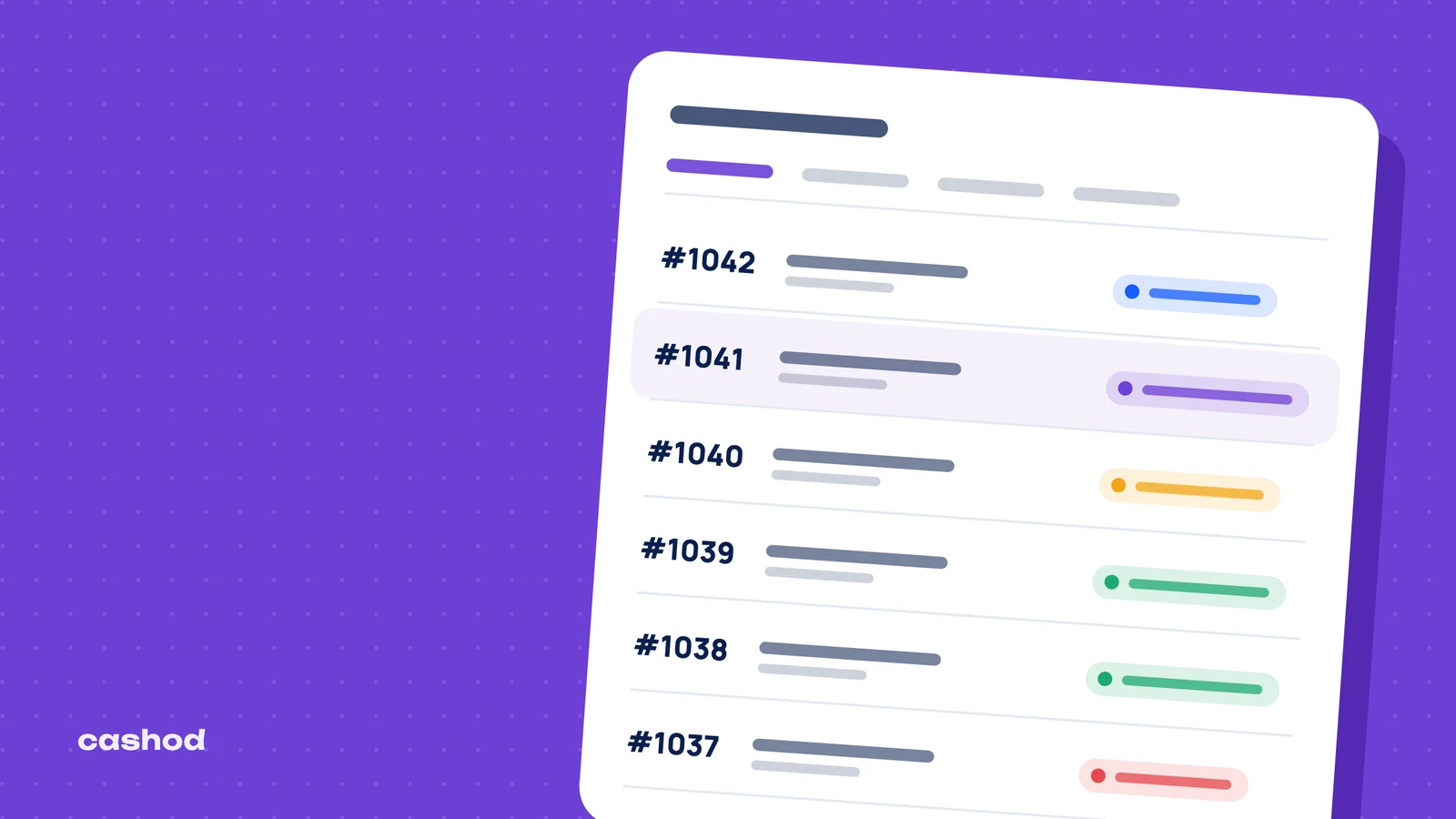
Every order lands in Orders, on a page YouCan describes as a board of 7 important columns: reference, creation date, customer, payment status, shipment status, total and actions. Above it, a search bar finds an order by product or by reference, and a filter shows All, Pending, Processed or Closed orders.
These labels are generic. The payment status can be Paid, Pending or Unpaid; the shipment status is either Fulfilled or Unfulfilled. None of them says “confirmed by phone”, “no answer” or “refused at the door”. The fix is to decide once what each status means in your store and to write it down for everyone who touches orders. One convention that works:
| Stage | What it means | Where you see it in YouCan |
|---|---|---|
| New, not yet called | The buyer has ordered; nobody has spoken to them yet | Pending filter, Unfulfilled, Unpaid |
| Confirmed | The buyer confirmed by phone or by message | Processed filter, with a “confirmed” tag |
| Shipped | The parcel has a tracking number | Fulfilled |
| Delivered and paid | The courier has handed over the cash | Paid, then Closed |
| Cancelled or refused | No sale | Order cancelled, with a tag for the reason |
Tags carry what statuses cannot. A reason tag on every cancelled order (“fake”, “duplicate”, “changed mind”, “unreachable”) turns a list of failures into data you can measure later.
Orders that arrive outside the store
Many COD sales start in a conversation: a WhatsApp message, a phone call, a comment under a post. YouCan’s New Order section exists for that case. It lets you manually create orders received from other sales channels such as WhatsApp, phone or social media, or when a customer runs into a problem while ordering. You pick the product, the page shows its price and the quantity you have in inventory, you enter the quantity ordered, apply a coupon code if you promised a discount, and attach the order to an existing or a new customer.
Two habits keep these orders from becoming a blind spot. Enter every one of them in YouCan, even those you consider certain, so that stock and totals stay right. And use the tags field to record the channel (“whatsapp”, “phone”, “instagram”): after a month you will know which channel brings orders that are actually delivered, which matters more than which one brings the most messages.
Confirm before you ship
A COD order is a reservation, not a sale. The buyer has not paid, and nothing stops them from refusing the parcel. An expert quoted by Le Matin puts the refusal rate at delivery between 20 and 40% for merchants, with stock tied up, logistics costs doubled and cash blocked. Every parcel that comes back costs a delivery and often a return fee. The cheapest place to stop a bad order is before it leaves.
The confirmation call, or message, has a short job: check that the person exists and meant to order, repeat the product, the size or colour and the total including delivery, and get an address the courier can actually use, with a landmark when the street is vague. Most delivery happens at the door: Hespress reports that nearly 90% of deliveries are now made to the home, so the address you confirm is where the courier will go. Then record the outcome in YouCan straight away: confirmed orders move to Processed with a tag, cancelled ones are cancelled from the order page with a reason tag, and unanswered ones get a tag that counts the attempts.
Set a rule for unanswered orders before they pile up, for example several attempts at different times of day, then cancellation. For detailed methods, see our guide to COD order confirmation in Morocco.
Ship, record the tracking number, follow the parcel
Once an order is confirmed and packed, you fulfil it in YouCan. On the order page, the fulfill order button opens a field for the tracking number as well as a seller note. As soon as you click Save, the order becomes fulfilled and a notification is sent to your customer. For a full day of shipments, the Mass operations button at the bottom of the All orders page accepts a CSV file that fulfils a list of orders with their tracking codes, which saves typing references one at a time.
The tracking number is the thread that ties the order in YouCan to the parcel at the courier. Enter it when the courier accepts the parcel, never “later”, and keep the same reference format as the courier’s own file. When a parcel stalls or the courier reports the buyer unreachable, the seller note is the place to record each incident and the date of the next attempt, so whoever picks up the case does not start from zero.
Collect the cash and close the loop on returns
On a COD order, “delivered” and “paid” are two different moments. The buyer pays the courier; the courier pays you later, in batches, minus fees. Mark an order as paid in YouCan only when the money is in your account, not when the courier says the parcel was delivered. The same button also lets you record a refund, with its details, when a buyer sends an item back after paying.
Reconcile on a fixed day every week. Export the orders (the Export button turns them into a downloadable file), keep the ones that are fulfilled but still unpaid, and compare them line by line with the courier’s payment statement. Each line falls into one of three cases: paid and matching, delivered but not yet paid out, or returned. Orders that stay delivered but unpaid for too long are the ones to raise with the courier.
Returned parcels need the same discipline. Open each one, check the item, put sellable stock back so the quantity shown on new orders stays accurate, and tag the order with the reason for the return. Then look at the totals: which product, city or channel produces the most returns. Our guide on measuring and reducing the COD return rate goes further, and the COD calculator shows what each return does to profit per delivered order.
What Moroccan law expects from a COD store
The platform does not make a store compliant; its settings and pages do. Morocco’s consumer protection law 31-08 governs distance selling. As Captain Legal summarises, article 30 requires the contract terms to be reachable from the home page and expressly accepted before the order is confirmed. The consumer has seven days to withdraw without giving a reason or paying a penalty, and only the return costs may be left to them; without the written confirmation the law requires, that period goes from seven to thirty days (article 36). The seller is also fully liable for the service providers it uses, carriers included (article 26).
In practice: publish your terms and a clear return policy, link them from the home page, have buyers accept them before ordering, and send a written confirmation of every order. The phone numbers and addresses you collect are personal data under law 09-08, supervised by the CNDP, which is one more reason to limit who can export the order list. Hespress also reports that the Ministry of Industry and Trade is preparing a revision of the consumer protection law to regulate platforms, so check the rules again before each season.
A daily and weekly routine
- Every morning: open the Pending filter and call or message every new order, in the order received.
- After each call: tag the outcome, move confirmed orders to Processed and cancel the others with a reason.
- Before the courier pickup: fulfil the confirmed orders with their tracking codes, one by one or with a CSV file.
- Every afternoon: go through stalled parcels and log each incident in the seller note.
- Once a week: export the orders, reconcile the courier’s payment statement, mark collected orders as paid and close them.
- Once a week: restock returned items and count returns by reason, product and city.
This routine holds on YouCan alone while volume is low. It becomes fragile when several people call at the same time, when orders also arrive from other stores, or when you work with more than one courier.
When volume grows: YouCan with Cashod
YouCan is one of the stores Cashod connects; the YouCan integration page explains how orders come in. Cashod includes a call center where agents confirm COD orders by phone, and it can confirm orders over WhatsApp, including with an AI agent. One Cashod account can manage several stores, so a seller who opens a second YouCan store keeps a single order queue. Cashod tracks returned parcels, and each carrier’s delivery and return fees are set per city. Any other carrier can be added manually, without automatic shipment creation or tracking. Cashod support answers by email, chat and phone, Monday to Friday, 9 AM to 6 PM GMT (Morocco time).