LightFunnels sells itself to online sellers as a funnel builder and a store builder, and its own home page calls it perfect for dropshipping and COD. For a seller in Morocco that is not a side detail: an ANRT survey reported by Le Matin found that more than 66% of orders are still paid in cash on delivery, and Hespress writes that cash on delivery remains the majority choice, used by more than eight buyers in ten. A funnel is built around one product and one decision, which fits the way most COD products are sold from an ad. But a cash on delivery order is a promise, not a payment, and every page of the funnel has to be set up with that in mind. This guide walks through each step of a LightFunnels COD funnel, from switching on the payment method to the parcel at the customer’s door, using LightFunnels’ own help center for every screen.
Funnel or store: which one for a COD product?
LightFunnels gives you two ways to sell. The first is the funnel. As the funnel builder introduction puts it, a sales funnel is a series of pages that your customer goes through in their buying process: one product, one path, no menu to wander off into. The second is the store, which holds several products, collections and an add-to-cart system. The Stores documentation says the platform is particularly well-suited for dropshipping and cash-on-delivery business models, and when you create a store it asks for a checkout type: a separate checkout page, or a checkout form on the product page, the COD option, which lets customers enter their details without leaving the product.
The right choice follows how you get buyers. If you advertise one product at a time and test new products every week, a funnel per product keeps each test clean: one ad, one page, one set of numbers. If customers come back and browse a catalogue, a store makes more sense, especially now that the upsell and downsell offers that used to belong to funnels can be used inside it. Many COD sellers run both: a store for the brand and returning customers, and funnels for the products they push with paid ads.
The pages of a COD funnel and what each one does
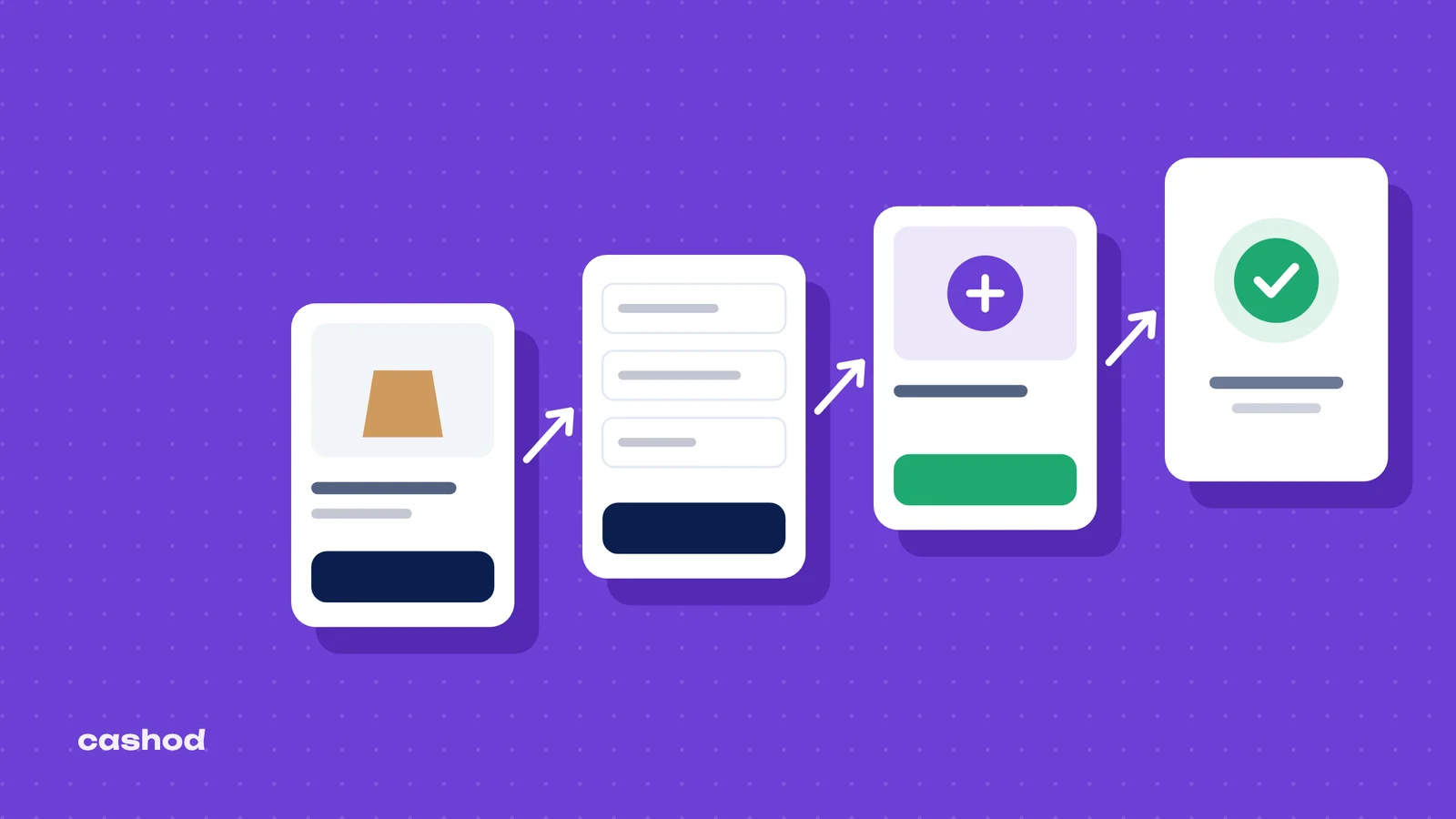
LightFunnels documents every funnel page type and its purpose. In a cash on delivery funnel they line up like this:
| Page | Its role in LightFunnels | What to watch for COD |
|---|---|---|
| Article page | Talks about the offer in a way that is not salesy, to warm the visitor up before the product page | Useful for a product that needs explaining; skip it for impulse buys |
| Product page | Shows the product, its features and reviews; the visitor picks a variant and clicks buy. It also hosts the order bump | Price, delivery cost and “pay on delivery” visible on the first screen |
| Checkout page | A form where the customer enters their details and pays | For COD: name, phone, city, address, nothing more |
| Upsell page | Offers additional products after the first purchase | One related product and a clearly shown new total |
| Downsell page | A better deal if the buyer declines the upsell | Use sparingly |
| Thank you page | The last step: thank the buyer and say what happens next | Announce the confirmation call |
The fewer fields and clicks between the ad and the order, the more orders you get. But in COD, an order you can neither confirm nor deliver is worth nothing. The form has to collect exactly what the confirmation call and the courier need, and no less.
Switching on cash on delivery in LightFunnels
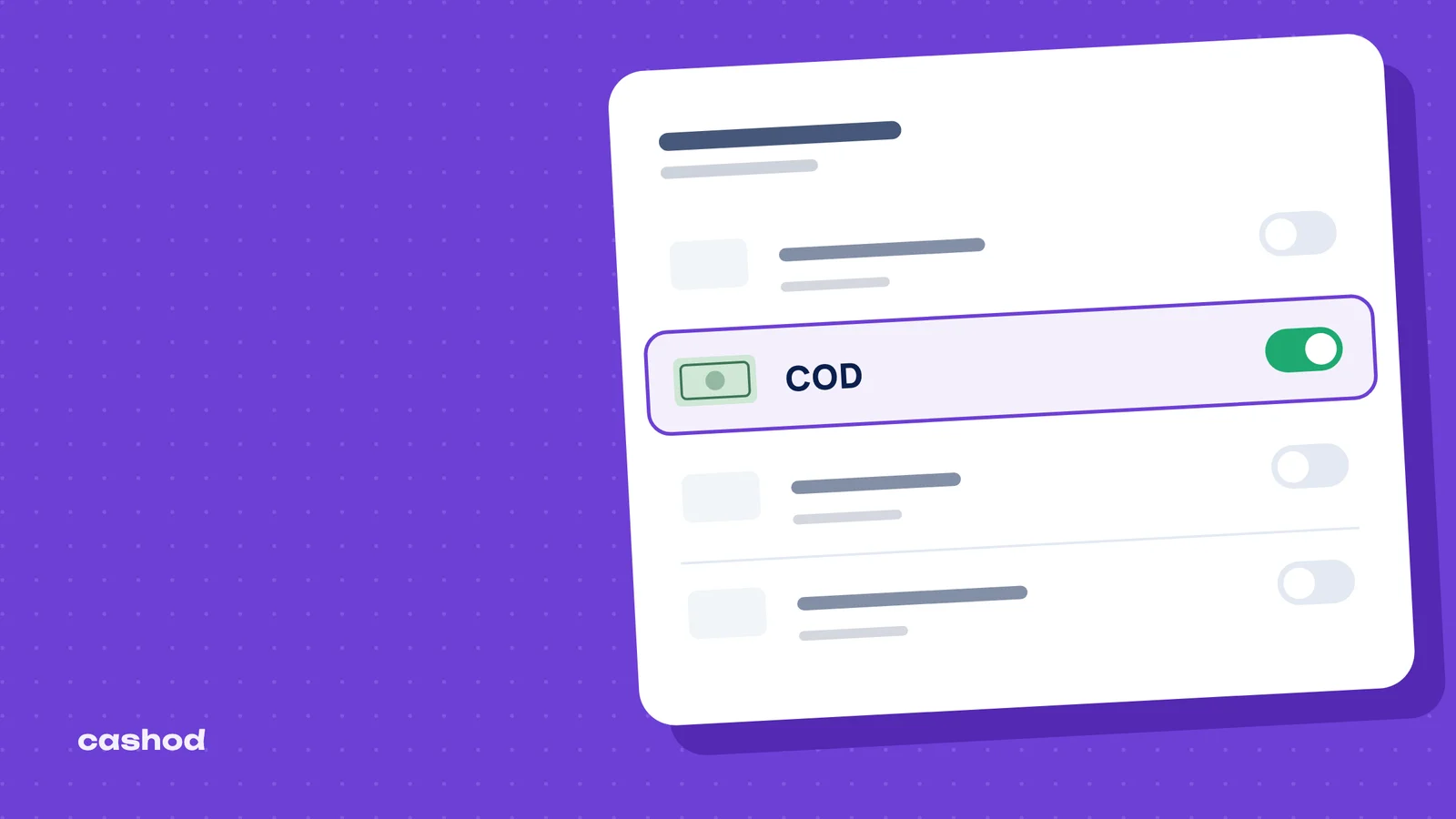
In LightFunnels, cash on delivery is a payment gateway, set up alongside partners such as Stripe or PayPal. The help center’s COD guide gives the path: open Settings, go to the Payment Gateways section, choose Add Payment Gateway and enable the Cash on Delivery (COD) option. The step people miss comes right after: once the configuration is done, you have to connect COD with your funnel or store. A gateway that exists in your account but is attached to no funnel will never show up at checkout.
The same guide carries two warnings worth keeping. First, the settings related to forms and buttons must be correctly configured, because they decide whether checkout works at all. Second, orders placed from the browser you work in are marked as “test”, and no fees are calculated for them. So place a real test order from another phone before you spend on ads, and check that it arrives with every field filled in.
Then set delivery fees. The shipping settings work with shipping groups: you choose the countries you ship to, enter your prices, then link the group to your products or store and confirm that the shipping module is included in the checkout section. For Morocco, the useful part is advanced shipping regions, which let you customize shipping options by city, region and area, and upload a CSV file to edit the prices. If your courier charges differently by city, this is where it belongs: the price shown in the form is the price the buyer expects to pay at the door.
Building the funnel step by step
- Prerequisites: according to the e-commerce funnel tutorial, you need a product to sell and a payment method added to your Payment Gateways, here COD.
- Click Funnels in the sidebar, then New Funnel, and choose Sell Product. You can tick Include Upsell now or add the upsell by hand later.
- Pick a theme, name the funnel, give it a URL and open it in the funnel builder.
- On the product page, select the product from the Select Product dropdown. If its properties are complete, the page is already presentable; open it in the page builder to adapt the copy and images.
- Check the checkout page. With the gateway connected it is ready; trim the form down to the fields COD needs.
- Connect the pages. In the funnel builder, links, buttons and forms appear as a blue circle that you drag onto another page to create the connection.
Write every page for a buyer who will pay cash to a courier. Say it plainly next to the button: pay on delivery, the delivery price, the expected delay and how to reach you. If you sell in several countries or languages, LightFunnels says its themes come in over 75 languages, so an Arabic or French funnel does not have to be built from scratch.
Once traffic arrives, the funnel builder shows each page’s visits, CTR (click-through rate) and number of clicks, which tells you where visitors drop off. The home page also describes split testing: you set up variations of a page and the losing variation is paused automatically. Test one thing at a time, such as the headline, the first image or the way the price is presented, on the product page, where most visitors leave.
Order bumps, upsells and bundles in a COD funnel
Raising the average basket is what made funnels famous, and LightFunnels has several tools for it. The order bump sits on the product page; the platform describes it as a relevant offer presented at checkout to entice customers to add an extra item. Upsell pages come after the purchase and offer additional products. The tutorial adds one by clicking the + icon, choosing Upsell Page, picking the product from the dropdown and linking the page between the checkout page and the thank you page. Downsell pages offer a better deal when the buyer declines the upsell. Finally, price bundles let you set a discount quantity and value for each offer, for instance two units for less than two separate purchases, and the same bundle can be reused across several products.
LightFunnels sells its upsell as one click because the buyer does not need to re-enter their payment information. In cash on delivery there is nothing to re-enter anyway, and nothing has been paid. An accepted upsell simply makes the amount the courier must collect bigger. That changes the rules:
- Offer something that completes the first product (a refill, a second colour, a matching accessory), not an unrelated second purchase.
- Show the new total, delivery included, on the upsell page and again on the thank you page.
- Repeat the full basket and the total during the confirmation call. A buyer who discovers a higher amount at the door refuses the parcel, and the whole order comes back, not just the upsell.
- If the buyer changes their mind on the phone, edit the order rather than cancel it: LightFunnels lets you add or remove items from an order at any time and shows a preview of the price change.
Judge an upsell on delivered orders, not on accepted offers. An upsell that lifts the basket but also lifts refusals can lose money; our COD calculator shows what each refused parcel costs you per delivered order.
The thank you page and the orders that slip away
The thank you page is the last step of the funnel, where you thank the buyer and tell them what to expect. In COD it carries the most useful text in the whole funnel: say that someone will call or message to confirm, from which number and how soon. A buyer who is expecting the call picks up.
Not every visitor gets that far. LightFunnels creates a checkout as soon as the customer starts filling in the form, and after 15 minutes without completion the checkout is considered abandoned and listed under Orders, Abandoned Checkouts. In COD these are warm leads: the person typed a name and often a phone number. The Google Sheet integration syncs leads and sales from your funnels to a sheet in real time, and its documentation points out that with cash on delivery your abandoned checkouts are not lost. A short call to those numbers on the same day wins some of them back.
After the order: confirm, ship and follow up
LightFunnels takes the order; it does not confirm it, and confirmation is the step that decides COD margins. An expert quoted by Le Matin puts the refusal rate at delivery between 20 and 40% for merchants, with stock tied up, logistics costs doubled and cash blocked. Calling every order before it ships, to check that the person meant to order, to repeat the product and the total, and to get an address the courier can actually use, is the cheapest way to stop a bad order. Delivery happens at the door: Hespress reports that nearly 90% of deliveries are now made to the home. Our guide to COD order confirmation in Morocco covers the call itself.
For shipping, the order fulfillment page describes two routes. In bulk: export the orders as a CSV file, fill in the tracking number and tracking link, then go back to Orders, choose Sync Orders and upload the updated file. One at a time: open the order, click Mark as Fulfilled, add the tracking number and link, and choose a shipping carrier. Keep the reference format identical to the courier’s file so the two can be matched later.
The cash comes later, through the courier, in batches. Mark nothing as paid until the money is in your account, and count returns by product, by city and by funnel: a funnel that brings cheap orders which come back costs more than it seems. Our guide to measuring and reducing the COD return rate goes further.
Launch checklist for a LightFunnels COD funnel
- COD enabled in Payment Gateways and connected to this specific funnel.
- A test order placed from another device, with every field arriving.
- A form limited to name, phone, city and address, with the phone mandatory.
- A shipping group linked, with prices by city if your courier charges that way.
- A product page that shows “pay on delivery” and the delivery price.
- An order bump and an upsell related to the main product, with the new total visible.
- A thank you page that announces the confirmation call.
- Abandoned checkouts and new orders handed to the person who calls, the same day.
- Tracking numbers entered as soon as the courier picks up the parcel.
LightFunnels’ home page advertises a 30-day free trial with no credit card required, which is enough to build the funnel and run a first test before paying anything.
When orders multiply: LightFunnels with Cashod
LightFunnels is one of the stores Cashod connects to; the LightFunnels integration page explains how orders arrive. From there, the work after the funnel happens in one place. Cashod includes a call center where agents confirm COD orders by phone, and it can confirm orders over WhatsApp, including with an AI agent. One Cashod account can manage several stores, so a seller who runs several funnels or opens a second store keeps a single order queue. Cashod tracks returned parcels, and each carrier’s delivery and return fees are set per city.
Any other carrier can be added manually, without automatic shipment creation or tracking. Cashod support answers by email, chat and phone, Monday to Friday, 9 AM to 6 PM GMT (Morocco time).