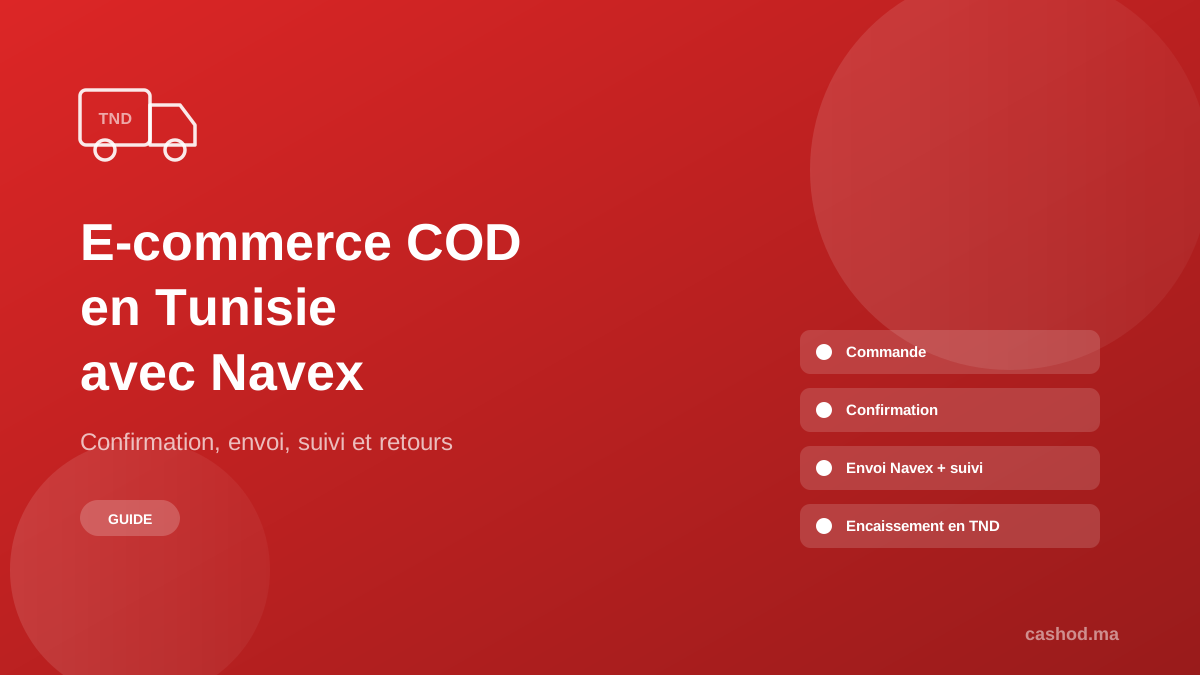
To run a cash on delivery store in Tunisia, you need four things working together: orders flowing in from your shop, a confirmation step before anything ships, a carrier that collects the cash in Tunisian dinars, and a clear view of what was delivered, returned and paid. Cashod connects your store to Navex so that orders are confirmed by phone or WhatsApp, sent to Navex in one click or in bulk with the COD amount in TND, and tracked automatically. This guide walks through the full workflow and the setup details that matter in Tunisia.
Why is cash on delivery the default for Tunisian online stores?
Most Tunisian shoppers still prefer to pay in cash when the parcel reaches them rather than paying online in advance. For a merchant, that means the sale is only real once the courier hands over the parcel and collects the money. Every order that is fake, forgotten or refused at the door still costs you the shipping and the time spent handling it.
What does the COD workflow look like with Cashod and Navex?
1. Orders arrive from your store
Cashod is not a store builder. It connects to the store you already have. Orders can come from Shopify, YouCan, WooCommerce, LightFunnels, Storeep or xPage, from a Google Sheets import, from a custom webhook, or through the public REST API if you have your own site or landing pages.
2. Every order is confirmed before it ships
Confirmation is the step that protects your delivery costs. You have two options, and many stores combine them:
- A call center: your agents work a confirmation queue, call customers, and record the outcome. Cashod tracks each agent's results so you can see who confirms best. See the call center module.
- The AI WhatsApp agent: it messages customers, understands their reply and confirms the order when the customer clearly agrees and its confidence passes the threshold you set. Unclear replies go to a human, and cancellations are never automatic. It can write in Arabic, French, Darija, English and Spanish, with the persona and tone you choose. See the AI agent.
You can also hand an order over to WhatsApp after a set number of unanswered calls, so customers who do not pick up still get a chance to confirm.
3. Confirmed orders go to Navex in one click or in bulk
Once an order is confirmed, you send it to Navex from Cashod, one order at a time or a whole batch at once. Cashod sends the cash to collect in Tunisian dinars with three decimals, so 45.5 TND is sent as 45.500.
Navex does not validate the parcels it receives, so Cashod checks them before sending: the customer name, the address, the city, a valid 8-digit Tunisian phone number and a governorate Navex serves. All 24 governorates are supported. If something is missing, you get a clear error in Cashod instead of a parcel that cannot be delivered.
4. Delivery status is tracked automatically
After the parcel is created, Cashod keeps its status up to date by syncing with Navex on a regular schedule. You do not need to open the Navex portal to know which orders are on their way, delivered or returned: the status sits on the order in Cashod, next to the confirmation history.
5. Cancel a parcel from Cashod if needed
If a customer changes their mind right after confirming, you can cancel the Navex parcel directly from Cashod. Navex only accepts a cancellation while the parcel is still pending on its side (En attente); once it has been picked up, it has to go through the normal return flow.
6. Follow up on returns and cash
Refused parcels come back. Cashod's returns verification screen lists orders returned by the carrier so you can mark each one as received when it is physically back with you, instead of assuming it arrived. On the cash side, delivered orders and their COD amounts are in Cashod, which gives you a clean list to check against what Navex pays you.
How should you set up a Tunisian store in Cashod?
A few settings make the difference between smooth shipping and a list of errors:
- Store country and currency: set the store's country to Tunisia and its currency to TND, and check them rather than trusting the defaults.
- Phone numbers: Tunisian mobile numbers have 8 digits. Customers often type +216 or 00216 in front; Cashod strips that prefix and keeps the 8 digits. What it cannot fix is a missing digit, so ask for the number clearly on your order form.
- City and governorate: each order needs a governorate that Navex serves. Using a list of governorates on your form rather than free text avoids most address errors.
- Navex connection: paste the API token from the Mes APIs page of your Navex account. Navex shows separate tokens for adding, tracking and deleting parcels; Cashod derives the others from the one you paste.
How can you reduce refused parcels in Tunisia?
A refused parcel costs you the delivery fee and the return, and ties up stock. The most effective levers are simple:
- Confirm every order, quickly. A customer who confirms the product, price and address is far more likely to accept the parcel. Our guide on raising your COD confirmation rate covers scripts and timing.
- Take a deposit on large orders. Cashod lets you record an advance payment the customer paid before shipping. The carrier then collects only the remaining amount (total minus advance), which is what Cashod sends to Navex as the COD amount.
- Blacklist repeat refusers. If a customer keeps refusing parcels, blacklist them so their next order is flagged before you pay to ship it.
Can you run several stores and track performance in one place?
Yes. One Cashod account can manage several stores, each with its own settings, so a Tunisian store can sit next to stores in other countries. The number of stores depends on your plan, from 1 on Starter to 20 on Business.
The analytics dashboard shows revenue, order statuses, confirmation results per agent and delivery performance, so you can see which products and campaigns bring orders that actually get delivered.
How do you get started?
Connect your store, add Navex with your API token, set the store to Tunisia and TND, and send your first confirmed orders. Plans start at $19 per month for one store and 300 orders, and the Intermediate and Professional plans come with a 7-day free trial. Compare them on the pricing page and read the details of the Navex integration.
Frequently asked questions
Can I print Navex shipping labels from Cashod?
Not yet. Label printing is not supported for Navex in Cashod today. Parcel creation, tracking and cancellation are.
Can I use other couriers in Tunisia?
Navex is the built-in Tunisian carrier. You can also run your own couriers with Delivery Runs, which tracks the cash each courier is expected to collect against what they actually hand in, or add another carrier manually.
Can I cancel a parcel after it has been sent to Navex?
Yes, from Cashod, as long as Navex still shows the parcel as pending. After pickup, Navex no longer accepts a cancellation.
Which languages does the AI WhatsApp agent use?
Arabic, French, Darija, English and Spanish. You choose the persona name, tone and grammatical gender, and it answers from your own product catalog.